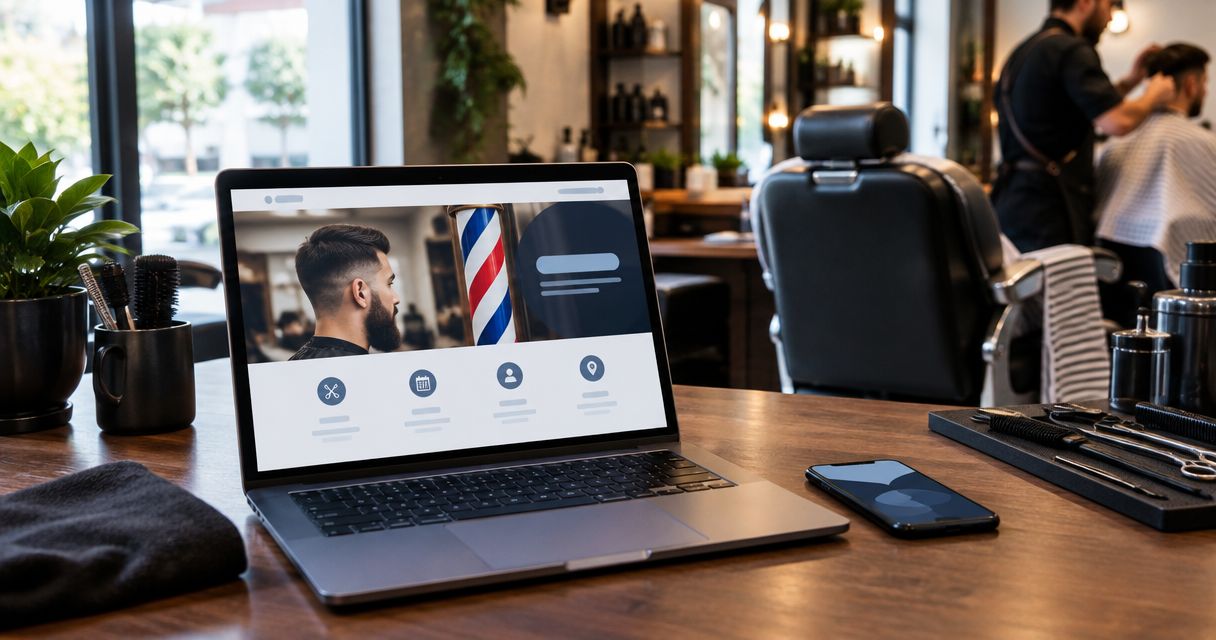
Best overall: Wix. Best for booking-first shops: Square Online with Square Appointments. Best for a photo-led site: Squarespace. Best for custom control: WordPress.org. The right website for barbershop owners in 2026 makes it easy to choose a service, find the shop, and book without calling.
- Wix is the default website for barbershop owners who want visual editing and appointment scheduling.
- Square Online with Square Appointments suits shops organizing their website around an existing Square booking workflow.
- Squarespace suits photo-led barbershop websites; WordPress.org suits owners with technical help.
- Choose the booking workflow before the template. Test the complete appointment journey on your phone.
Why this matters
A haircut photo gets attention. A working booking page turns that attention into an appointment. Your website needs both, but the booking route deserves the first decision.
Start with the system your barbers actually use. Rebuilding around a different calendar creates another job for whoever manages appointments. If you're replacing an existing site, use this guide to website redesign services for small businesses to separate a design problem from a booking problem.
For this 2026 shortlist, the deciding question is simple: which option lets you publish a clear site and maintain a booking process you understand? A longer feature list is not the goal.
What makes the best website for a barbershop?
Judge each builder against these criteria before you look at templates:
- Booking fit: Customers can choose the right service and reach the correct appointment calendar without guessing.
- Mobile clarity: Your booking button, address, hours, and phone number are readable and easy to use on a phone.
- Everyday editing: You can change a barber's profile, replace a photo, or update holiday hours yourself.
- Local information: Each location has accurate business details and clear information about appointments and walk-ins.
- Ownership and upkeep: You know who controls the domain, manages updates, and fixes broken booking links.
Don't treat every criterion equally. If appointments drive your business, booking fit comes first. If you operate mainly through walk-ins, prioritize directions, hours, services, and an honest explanation of how customers get a chair.
Best barbershop website builders at a glance
| Option | Best for | Standout feature | Key limitation |
|---|---|---|---|
| Wix | Owners wanting an editable all-round site | Visual site editing with Wix Bookings | Extensive layout freedom requires restraint |
| Square Online with Square Appointments | Shops organizing around Square booking | Website and appointment tools within the Square ecosystem | Less suitable when you want an unrelated booking system to remain central |
| Squarespace | Shops leading with photography and brand presentation | Design-led templates and visual page layouts | Appointment scheduling needs its own setup |
| WordPress.org | Shops needing custom control | Open-source software with themes and plugins | Hosting, updates, and compatibility need an owner |
These are different routes, not interchangeable products. Wix combines visual editing with its own booking tool. Square puts the appointment workflow at the center. Squarespace emphasizes presentation. WordPress.org gives you more responsibility alongside more control.
1. Wix: best barbershop website builder for everyday editing
Wix is the default recommendation when you want to build the site yourself and keep making changes without a developer. Its visual editor handles pages and layouts, while Wix Bookings provides appointment functionality.
That combination suits a shop that needs service descriptions, barber profiles, photos, and booking on the same site. Keep the design simple. Being able to move everything does not mean every page needs a different layout.
Wix pros:
- Edit page content and visual layouts without writing code.
- Use Wix Bookings rather than starting with an unrelated scheduling tool.
- Build distinct pages for services, barbers, and location information.
- Keep routine website editing in the owner's hands.
Wix cons:
- Layout freedom creates more design decisions for an inexperienced owner.
- Moving to another platform requires rebuilding rather than transferring the complete Wix site unchanged.
- A booking tool still needs correct services, staff, hours, and appointment rules.
Best for: An owner-operated barbershop that wants control over everyday edits and is willing to configure its booking workflow.
Before choosing Wix in 2026, map a real appointment: service, barber, date, time, and confirmation. Check that the settings support how your shop works rather than changing your operating rules to suit a demonstration template.
Verdict: Buy if you want a practical DIY starting point. Skip if nobody will own the setup and ongoing edits.
2. Square Online: best barbershop website builder for Square booking
Square Online is the booking-first choice when Square Appointments is already your shop's scheduling system. Build the website around that established workflow instead of adding another calendar for staff to monitor.
Square Online and Square Appointments serve different jobs: one presents the business online; the other manages appointments. Treat them as a connected setup, and confirm the booking path you intend to publish before designing the surrounding pages.
Square Online pros:
- Keep website planning close to an existing Square appointment workflow.
- Give customers a direct route from shop information to online booking.
- Avoid selecting a separate website booking system simply for its appearance.
Square Online cons:
- The ecosystem fit matters less if your shop intends to keep another scheduling platform.
- A website does not remove the work of configuring staff calendars and service durations.
- A booking-led setup still needs useful location, service, and barber information.
Best for: A barbershop already using Square Appointments, or deliberately choosing it as its scheduling system.
Test a haircut appointment and a different service your shop actually offers. Check the assigned barber, duration, and confirmation. Do not publish a menu copied from a sample site; publish the services your team can deliver.
Verdict: Buy when Square Appointments is the booking decision. Hold if you have not settled on your scheduling system.
3. Squarespace: best barbershop website builder for photo-led sites
Squarespace fits shops that want photography and a consistent page design to do much of the explaining. Use it to show your space, introduce your barbers, and present work customers can recognize.
Squarespace Scheduling, powered by Acuity, provides a scheduling route, but appointment setup remains a separate task from building the website. If you keep another booking provider, make that handoff obvious and test it on mobile.
Squarespace pros:
- Start with design-led templates rather than a blank page.
- Give shop photography and barber portfolios room to work.
- Maintain service, location, and team content through a visual editor.
Squarespace cons:
- Choosing a template does not configure appointment scheduling.
- Image-heavy pages need careful photo selection and file preparation.
- Bespoke functionality can require integrations or custom development.
Best for: A shop with good original photography and an owner who values a consistent visual presentation.
A strong photo earns its place by answering a question: what kind of cuts do you offer, who performs them, or what does the shop look like? Remove decorative images that push booking and directions out of view.
Verdict: Buy for a photo-led site with a clear booking route. Skip if you're choosing on appearance before checking scheduling.
4. WordPress.org: best barbershop website builder for custom control
WordPress.org is open-source website software you run with a hosting provider. Themes control presentation, and plugins add functions such as appointment booking, forms, and search optimization settings.
This is the custom-control choice, not the lowest-effort choice. You or your web partner must take responsibility for hosting, backups, updates, and the compatibility of the pieces you install.
WordPress.org pros:
- Choose your hosting provider and retain control over the site files.
- Select from themes and plugins for different website requirements.
- Build custom content structures for locations, services, or barber profiles.
- Give a developer room to implement requirements beyond a standard template.
WordPress.org cons:
- Software updates and backups need an assigned owner.
- Themes and plugins introduce compatibility checks.
- Booking quality depends on the scheduling system you choose, not WordPress alone.
Best for: A barbershop with a dependable web partner and requirements that justify a custom setup.
Keep the distinction clear in 2026: WordPress.org is the self-hosted software discussed here, not a promise that hosting, booking, and maintenance arrive as one managed package. Ask who fixes the site if an update interrupts appointments.
Verdict: Buy with technical support and a specific reason for custom control. Skip as a hands-off DIY shortcut.
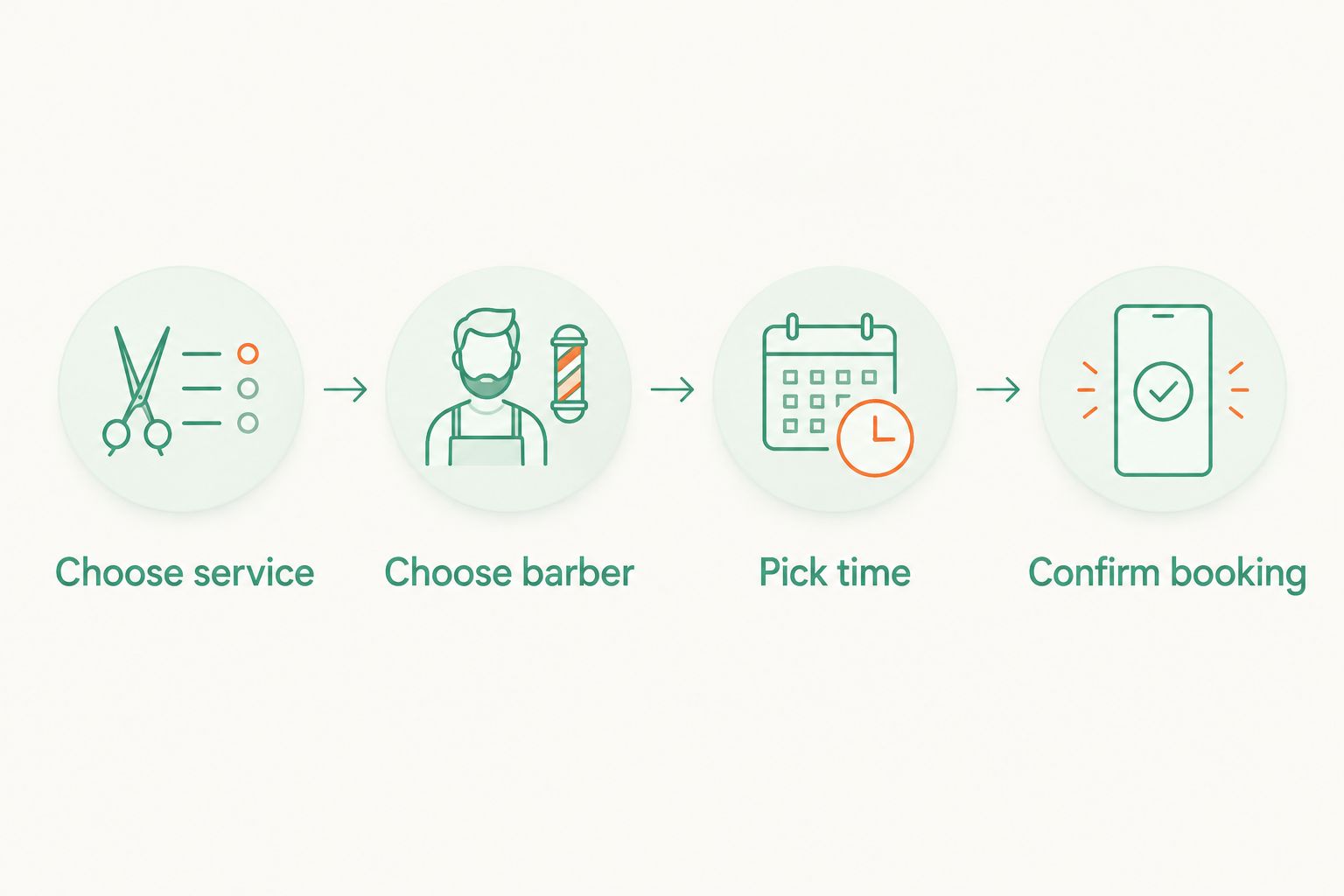
Build the booking path before the homepage
Use this sequence with any builder. Each stage answers a different customer question, and each needs a clear next step.
- Choose service: Write service names customers understand. Explain relevant differences rather than relying on shop shorthand.
- Choose barber: Make the choice explicit where your booking system supports it. Explain any shop-specific assignment process.
- Pick time: Show the appointment calendar after the customer has chosen the details that affect scheduling.
- Confirm booking: Tell the customer what was booked and what happens next. Make the confirmation easy to recognize.
Walk through the whole sequence yourself before sending customers to it. A booking button is only the entrance; your test ends at confirmation.
Next, test 3 tasks on your phone: book an appointment, find directions, and contact the shop. These are acceptance tests, not performance claims. If any task leaves you hunting through menus, change the page before adding more content.
Use 2 booking routes in your checks: the main homepage button and the button on a barber or service page. Both should lead to the intended destination. A correct homepage link does not fix an outdated link elsewhere.
Start with these 5 pages
Your 2026 launch does not need a large content library. Start with pages that answer practical questions, and combine pages where that makes the site clearer.
- Home: Say what the shop offers, where it is, and how to book.
- Services: Explain the work you actually offer in plain language.
- Barbers: Introduce the people customers can book with.
- Visit: Publish accurate hours, address, contact details, and arrival instructions.
- Booking: Give customers an unmistakable route into the appointment system.
Use original photos with permission. Keep business details consistent, and explain walk-in arrangements only if your shop offers them. A booking-first website should not accidentally imply that walk-ins are welcome, or that every barber takes every service.
Assign an owner to this content. Someone must update it when a barber leaves, hours change, or a booking destination changes. The builder cannot make those business decisions for you.
How the builders were ranked
This ranking prioritizes booking fit, mobile clarity, everyday editing, local information, and upkeep. It is an editorial comparison of platform approaches, not a timed usability test or a measured conversion study.
Wix takes the default position because visual editing and Wix Bookings address the core DIY brief. Square Online earns the booking-first slot, Squarespace the photo-led slot, and WordPress.org the custom-control slot.
Wildcore is a done-for-you lead generation and booking service for independent restoration-company owners. Wildcore is not included as a barbershop website builder because that stated service focus does not establish a barbershop offering. Choose a platform or provider whose scope matches your business.
Which barbershop website builder should you choose?
Choose Wix if you're undecided and want to manage the site yourself. Choose Square Online when Square Appointments is central to your workflow. Choose Squarespace when original photography and consistent presentation lead the brief. Choose WordPress.org when custom requirements justify technical support.
For a 2026 decision, write the booking requirement before the design requirement. Then assign responsibility for edits and upkeep. That gives you a useful shortlist without turning website selection into another unfinished project.
FAQ
What's the best website for barbershop owners who want to build it themselves?
Wix is the default choice for barbershop owners who want visual editing and appointment scheduling through Wix Bookings. Configure your actual services, staff, and booking rules before publishing.
Is Square Online better than Wix for a barbershop?
Square Online is the stronger fit when your barbershop already uses Square Appointments and wants the website organized around that workflow. Wix is the default here for owners prioritizing visual site editing with Wix Bookings.
Can I use Squarespace for a barbershop booking website?
Yes, Squarespace can present your barbershop and direct customers into scheduling. Configure Squarespace Scheduling or your chosen booking provider separately, then test the complete appointment journey.
Do I need WordPress for my barbershop website?
No, a barbershop does not need WordPress to publish services, directions, barber profiles, and a booking route. Choose WordPress.org when specific custom requirements justify managing hosting, updates, and plugins.
Can I keep my current booking system when I change website builders?
Check whether the new builder supports the link or integration your booking provider requires. Test service selection, barber selection, appointment times, and confirmation before replacing the old website.
Does Wildcore offer a barbershop website builder?
Wildcore's stated offering is a done-for-you lead generation and booking system for independent restoration-company owners, not a barbershop website builder. This comparison does not recommend that service as a barbershop-specific option.
What should I check before publishing my barbershop website in 2026?
Test booking, directions, and contact details on your phone before publishing. Then check every booking button and assign someone to maintain hours, staff information, and service descriptions.
One last thing
Test the website as a new customer, not as the owner. Open a private browser window so your saved login and familiar navigation do not help you. Choose a service, find a barber, and reach confirmation.
Wildcore's stated service focus is restoration businesses; your barbershop needs its own clear brief. Choose the system your shop can keep accurate, then build the simplest site around it.